


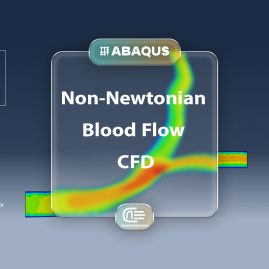
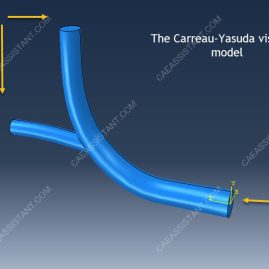
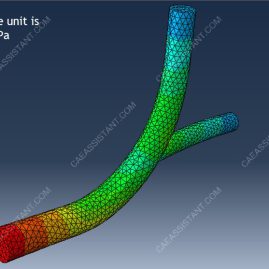
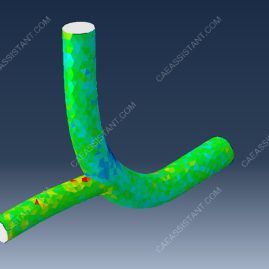
In this tutorial, the simulation of non-Newtonian blood flow behavior in Abaqus CFD is presented. The blood geometry can be created directly in Abaqus or imported as a CAD model. The part includes one inlet and two outlet zones, as shown in the assembled model.
By default, Abaqus CFD uses a Newtonian fluid model. To represent non-Newtonian behavior, the Carreau–Yasuda viscosity model is applied. This model effectively captures the shear-thinning properties of blood. Blood is a complex biological fluid, and components such as erythrocytes contribute to its non-Newtonian characteristics. In many carotid flow studies, blood is often simplified as a Newtonian fluid with constant viscosity, but this can reduce accuracy.
Since the Carreau–Yasuda model is not available in Abaqus/CAE, modifications must be made in the input file. For the simulation setup, a laminar flow regime is selected. The inlet boundary condition is defined as velocity at the entrance zone. Two outlet boundaries are assigned with pressure conditions. Wall boundary conditions are applied to the vessel surfaces, and shear stress outputs are requested. A fine mesh is required to ensure reliable results.
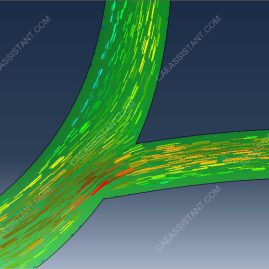
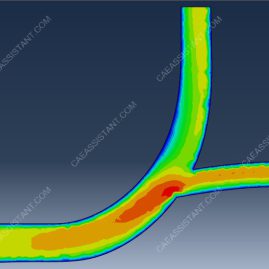
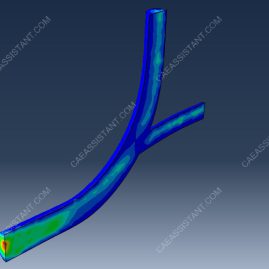
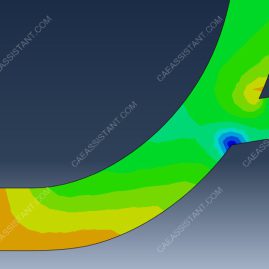
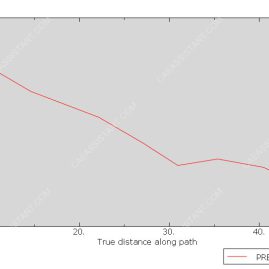
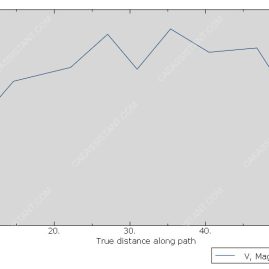
After running the simulation, results such as pressure distribution, velocity fields, velocity vectors, and diagrams can be obtained. Figures of these results are shown in the tutorial.

Reviews
There are no reviews yet.